How to verify Climax Doll product photos before ordering
Use individual product galleries and factory confirmation photos to check the body, head and finish in your quote.
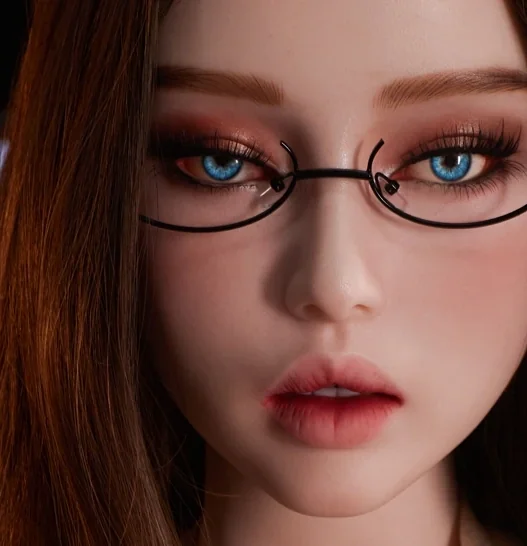
Climax Doll catalogue photo of Lottie SiR161 · illustration for this article.
Start on the individual product page
Climax Doll’s image statement says its product-page photos and videos document physical products, while some site banners, collection headers, blog covers and promotional imagery use AI artwork. For a configuration reference, begin with the individual product gallery and keep its URL. Record the body code, head and the finish attached to the chosen image.
Look for images that answer a question
A clear full view can help you judge the overall silhouette. A closer image can show the head, surface finish or connector more clearly. Pick two views that show details you care about, and ask which of those choices are included in the quote. Studio lighting and lenses can change the appearance of color or proportions across photographs.
Ask for unit-specific confirmation
The manufacturer’s delivery guide provides a way to request factory photos during order processing. Include the request when you ask for the quotation, and confirm whether it applies to the warehouse or factory configuration you want. Request front and side views under ordinary light and ask how approval affects the dispatch timing.
Keep references with the order
Save the catalogue image, approved unit photos and written configuration together. If a final image appears different, compare the lighting and pose and ask the seller to confirm the product details. This helps you identify which differences need a written response before shipping and gives you a consistent reference for inspecting the parcel.